Telus SmartHome+ — Smart Home Mobile App
- React Native
- TypeScript
- Kotlin
- Java
- Spring Boot
- AWS
Description
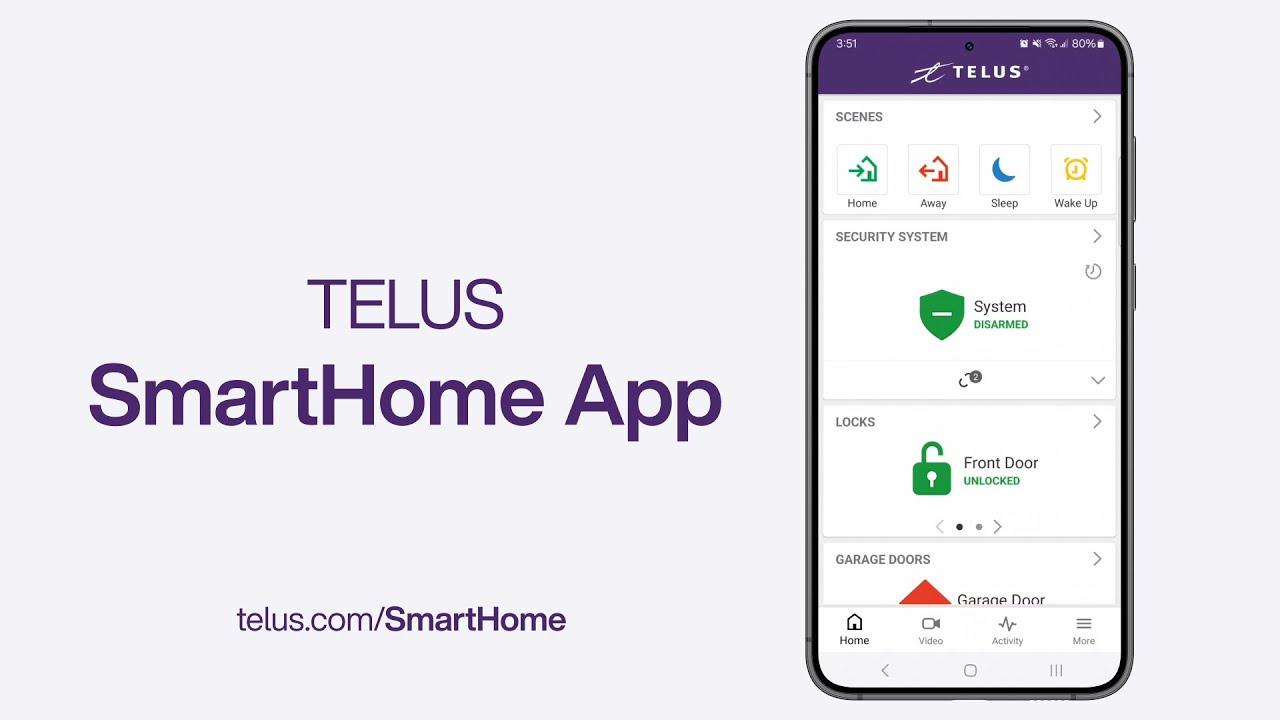
SmartHome+ is TELUS's consumer-facing smart home app — the product customers pay a monthly subscription for. It spans video security, home automation, energy monitoring, and a newer AI-powered assistant, all controlling physical devices inside someone's home. As Senior Software Engineer (Telus International, August 2022 – Present), I built mobile features for it in React Native and TypeScript, against the same event-driven AWS backend and observability platform behind Tenant Portal — TELUS support's internal tool for this device ecosystem.
That shared foundation matters more here than in a typical consumer app: this isn't a to-do list where a bug means a lost checkbox, it's an app where a bug can mean a door someone thinks is locked isn't, or a camera alert someone is relying on doesn't fire. Reliability on this app is a trust problem for TELUS, not just an engineering metric — and trust is what a recurring security subscription is actually selling.
Role-Based Access: One App, Two Audiences
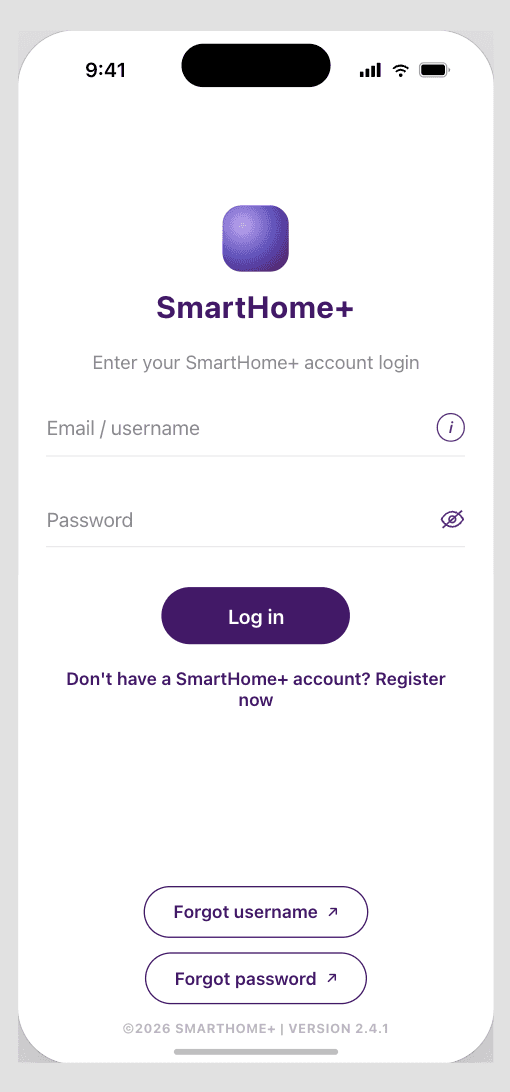
The sign-in flow looks like a normal customer login, but it isn't only for customers — field technicians authenticate through the same entry point and land on a different experience built for their job: install and diagnostic screens instead of the customer-facing controls. That's a deliberate choice, not an accident of how auth happened to get built: maintaining one app with role-scoped views is cheaper to ship and easier to keep in sync with real device state than running a separate technician app against the same backend, and it means a technician standing in a customer's home is looking at the same live device data the customer sees, not a stale mirror of it.
Product Areas
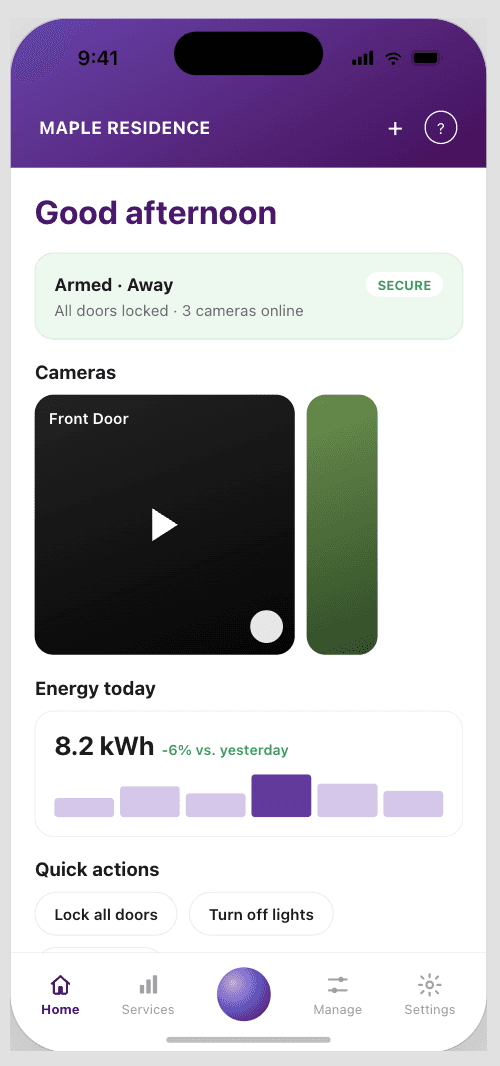
- Video — smart cameras with AI-based detection of people, pets, and packages, with cloud event storage for up to 60 days on compatible plans
- Automation — controlling lights, plugs, locks, and sensors, plus building automations and routines, all from a single app
- SmartEnergy — monitoring energy consumption, estimating costs, automating devices to save energy, and earning TELUS rewards through compatible devices
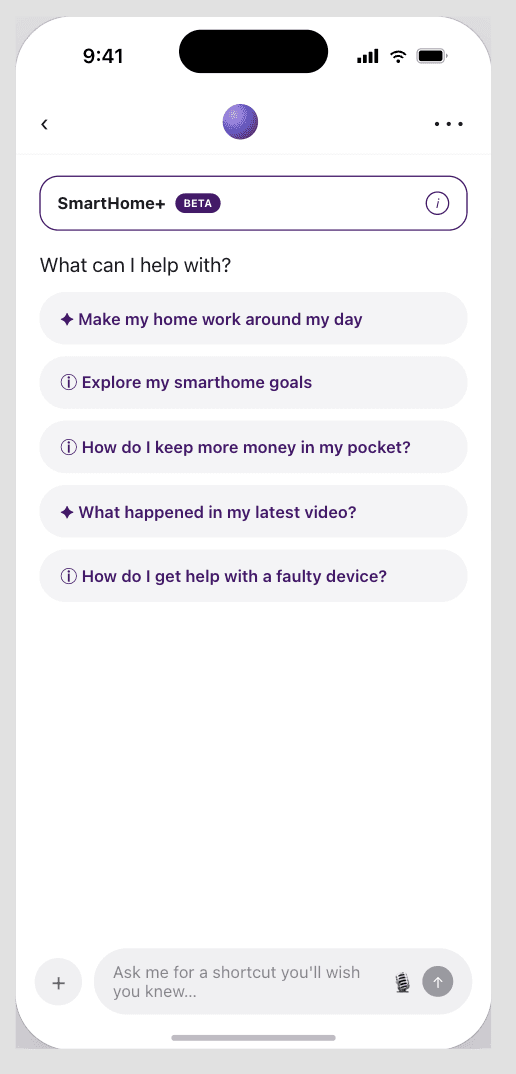
- SmartHome+ Assistant — an AI assistant that manages devices and automations through text, voice, or images
Centralizing all of this in one screen per device, rather than the manufacturer's own app for each camera or lock, is itself a retention lever: the more of a customer's smart home lives inside SmartHome+, the higher the switching cost to a competitor, and the more surface area TELUS has to sell SmartEnergy and additional devices into.
Compatible Devices
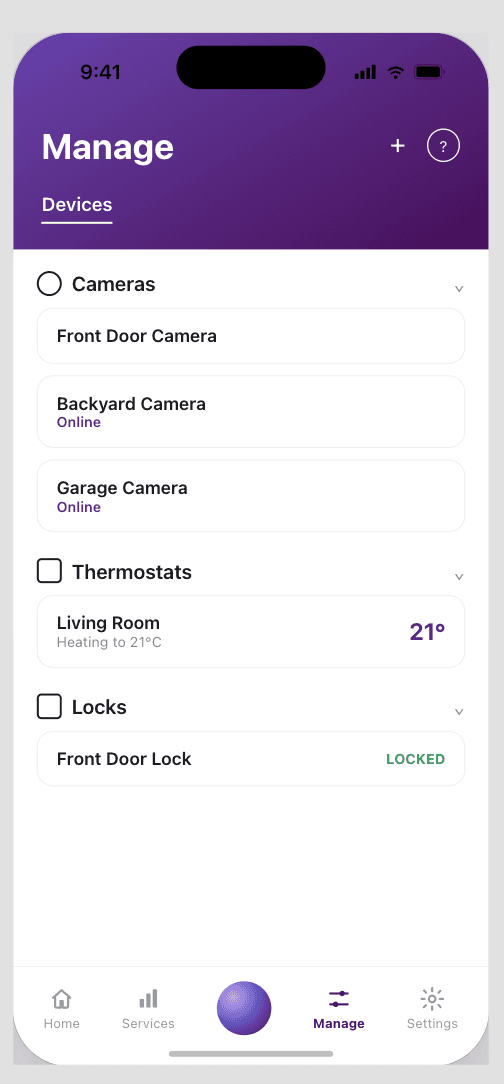
Cameras, thermostats, smart locks, smart bulbs, sensors, and TELUS's Automation Hub, with support for select compatible third-party devices. Every additional device category the app has to support without regressing the others is a real constraint on how the mobile codebase is structured — device-specific logic has to be isolable enough that adding a new device type doesn't mean re-testing the whole app.
SmartHome+ Assistant
Built in-house by TELUS, the assistant lets a customer create routines or troubleshoot a misbehaving device through text, voice, or a photo, instead of hunting through settings screens or calling support. From an engineering and business standpoint, this is a deflection play as much as a feature: every issue a customer resolves through the assistant is a call that never reaches a support queue, which is the same cost center Tenant Portal exists to make more efficient on the agent side.
Mobile Engineering
The app is built in React Native and TypeScript, sharing the same backend contract as Tenant Portal rather than a separate mobile-only API — which meant mobile features had to work within an API surface designed for both a support agent's dashboard and a customer's phone. Device state changes (a lock engaging, a camera detecting motion) come from the same event-driven AWS backend feeding the support platform, so the mobile app is built to treat device state as something that arrives asynchronously and can be momentarily stale, not something it owns and polls for on its own schedule.
Security & Reliability
Given the app controls physical security devices, secure engineering practices — input validation, authentication, authorization, and API design — were treated as a baseline requirement, not a hardening pass added later, and role-based access (see above) is itself a security boundary as much as a UX one: a technician account and a homeowner account need very different permissions against the same household's devices. On the reliability side, unit and integration tests plus deliberate error-handling around device actions exist because a silent failure on a lock or camera command is a materially worse outcome here than a silent failure on a typical consumer app screen.
How It Connects to Tenant Portal
SmartHome+ is what the customer (and, through the same login, a field technician) uses to control a home; Tenant Portal is what a remote support agent uses to diagnose and resolve issues for that same household without being on-site. All three roles — customer, technician, and support agent — ultimately read and act on the same device state through the same backend, just through interfaces built for very different jobs. Working across both the consumer app and the internal support tool gave me visibility into this device ecosystem from every angle it gets used from, which made it obvious when a feature belonged in one app, the other, or both.
Key Learnings
A single app with role-scoped views can beat two separate apps, but only if the roles are genuinely thin variations of the same job. Technician and customer views diverge in what they show, not in what backend they talk to — that's what made one app the right call instead of a maintenance burden.
Consumer-facing reliability has a different failure cost than internal tooling. A bug in a support agent's dashboard is an inconvenience; a bug in the app controlling someone's front door lock or security camera is a trust problem — that difference shaped how much testing and error-handling rigor went into mobile-side changes.
An AI assistant that resolves an issue is a support call that never happens. Framing the SmartHome+ Assistant as a deflection mechanism, not just a novelty feature, is what ties its engineering cost directly to the same support-efficiency goals behind the internal tooling.
Sharing a backend across a consumer app and an internal support tool means the API contract has to serve very different consumers. Fields designed primarily for agent diagnostics still had to stay lean enough not to bloat the consumer mobile experience.